
Most of today’s hearing aid models are fully compatible with smartphones and include options that help improve the quality of life for those with hearing loss. If your hearings aids have become disconnected from your cellphone, don’t panic. We have outlines the steps to connect below.
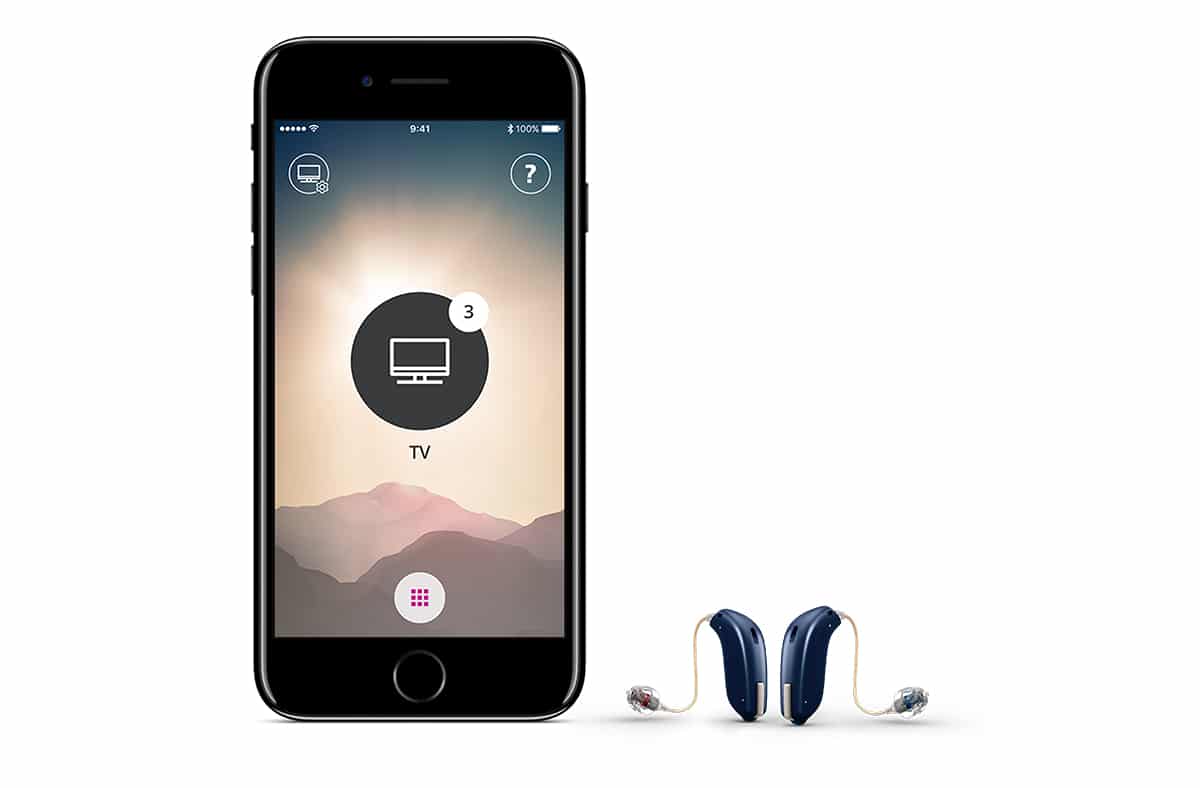
Synch your hearing aids with your iPhone.
- Select Settings
- Select General
- Select Accessibility
- Select Hearing Devices
- Click on Devices
- Select forget this device
- Clear out background apps
- Turn off cellphone
- Open battery doors on hearing aids
- Turn phone back on
- Select settings
- Select General
- Select Accessibility
- Close battery doors on aids
- Select hearing devices
»» Your iPhone should find the hearing aids and ask you to pair (2x)
If you are still having a problem synching your hearing aids, call Apple Accessibility and Assistive Technology at 1-877-204-3930
PDF Instructions for Resyncing Hearing aids with iPhone
Call Decibel Hearing Services for more information or to schedule an appointment.